Get Marketing Insights First
Subscribe to receive actionable strategies, growth tips, and industry insights delivered straight to your inbox.

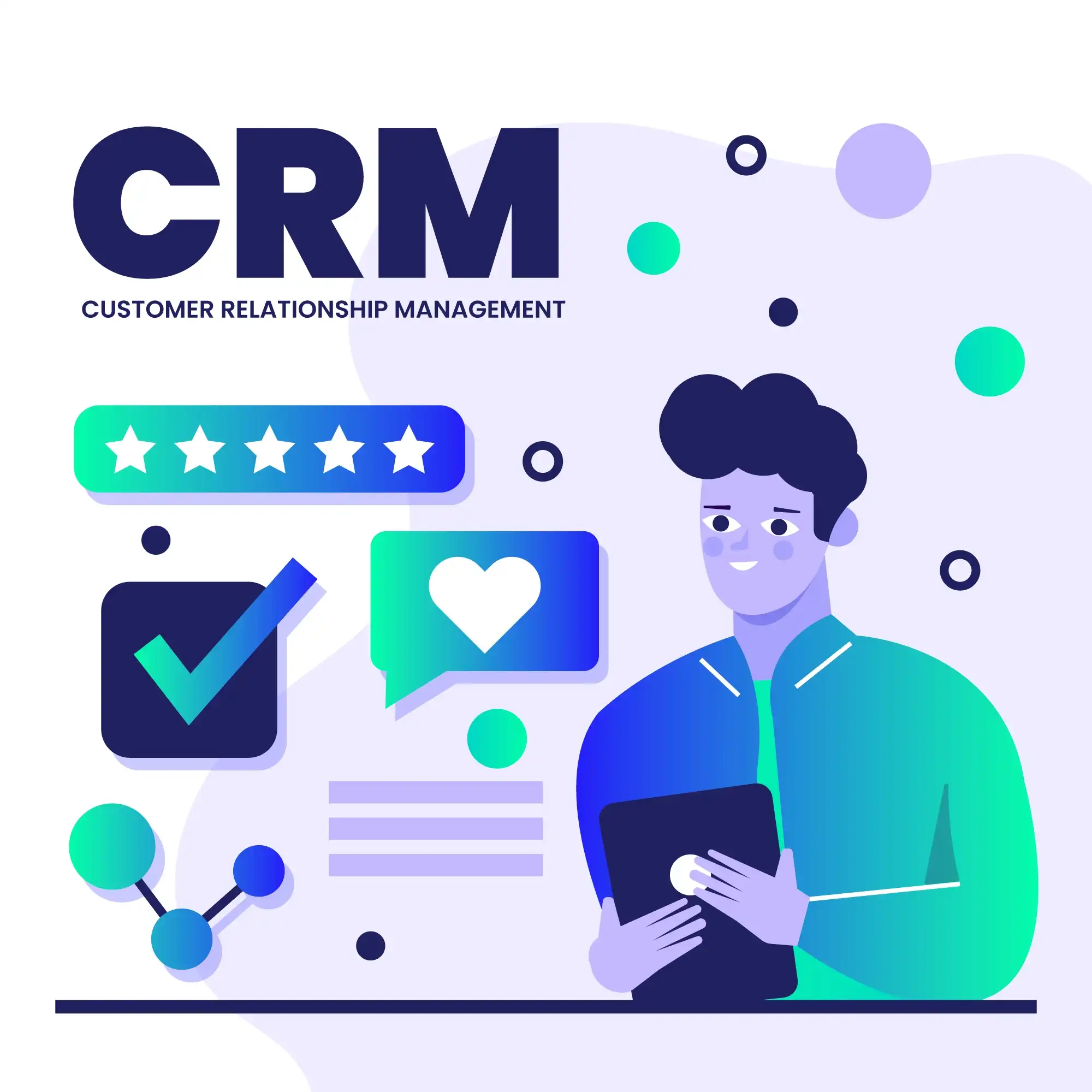
HubSpot is an AI-powered customer platform that unifies CRM data with tools for marketing, sales, customer service, and website/content management. Technically, it works as one shared system where contacts, companies, deals, tickets, activities, and analytics live in the same database so different teams can operate from a single source of truth.
A visitor fills a form → the contact record is created in the CRM → sales sees the lead, support can see the history, and marketing can automate follow-ups — all without exporting spreadsheets.
HubSpot’s platform is built around CRM records (contacts, companies, deals, tickets) and event/activity timelines (emails, calls, meetings, form submissions, website interactions). On the sales side, deal pipelines use configurable stages to track opportunities from lead to closed-won, with reporting on performance and conversions.
You create pipeline stages like “Qualified → Proposal Sent → Negotiation → Closed Won” and move deals through stages so you can see how much revenue is sitting in each step.
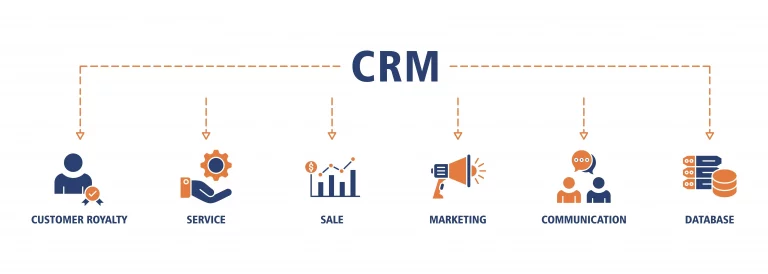
HubSpot groups capabilities into “Hubs” (Marketing, Sales, Service, and Content/CMS) that all share the same CRM data. This structure lets you start small (often with free tools) and then add specialised modules as requirements grow.
Lead capture (forms), email campaigns, automation workflows, landing pages, and website/content tooling that connects directly to CRM records for attribution and personalisation.
Focus: generate and nurture demand, track what converts.
Pipelines, sales automation, meeting scheduling, customer support/ticketing, and reporting — all powered by the same contact history and engagement data.
Focus: close deals faster and retain customers with consistent context.
Marketing runs an email campaign, Sales sees who clicked and booked meetings, and Service later sees the entire journey when the customer opens a support ticket.
HubSpot’s marketing automation supports workflow-based actions (send emails, update properties, assign owners, create tasks) and lead scoring to prioritise the best prospects. Lead scoring can use engagement and fit criteria, and scores can be used inside workflows, segments, and reports to tighten marketing-to-sales handoff.
If a lead visits your pricing page twice and downloads a brochure, HubSpot can add points to their score and automatically notify a salesperson to follow up.
On the sales side, HubSpot provides pipeline tracking with custom stages and performance reporting, plus tools to reduce manual follow-up (task queues, meeting links, and automated outreach sequences depending on your plan). The goal is to keep sales activity structured and measurable without relying on scattered inbox threads.
A rep sends a meeting link, the prospect chooses a time, and HubSpot logs the meeting on the deal timeline so forecasting and reporting stay accurate.
HubSpot includes website/CMS capabilities designed to connect content performance to CRM outcomes. You can build pages with themes and editors, get SEO suggestions, and (on higher tiers) use features like memberships to gate content for logged-in CRM contacts and deliver more personalised experiences.
You publish a “resources” page and allow only logged-in customers to access premium guides, while HubSpot tracks which contacts view which resources.
HubSpot supports deeper technical builds through APIs and developer tooling. For CMS projects, HubSpot also supports serverless functions so you can run backend JavaScript securely (server-side) without exposing secrets in the browser—useful for API calls that require credentials.
Connect HubSpot to tools like email, calendars, chat, analytics, and operations systems. You can sync data into CRM properties and trigger workflows based on external events.
Use case: keep marketing + sales data consistent across tools.
Run backend code for sensitive API requests (e.g., enrich data, validate forms, write to external services) without hosting your own backend server.
Use case: advanced forms, custom checkout/quote logic, protected integrations.
A quote-request form calls a serverless function that checks a postcode against your service area and then writes the result back to the CRM record.
Because HubSpot centralises customer data across teams, it also publishes product/service governance guidance on what data types are supported in specific modules. Practically, this means you should design your CRM properties, permissions, and integrations intentionally—especially if you store sensitive attributes or rely on automation for customer communications.
You store only the customer details you truly need, limit access by team roles, and use workflow approvals before sending large automated email campaigns.
HubSpot is best for businesses that want one connected platform for go-to-market: marketing automation, sales pipelines, service support, and web content tied together through a shared CRM. It’s especially useful when you want clear attribution (what generated a lead), structured handoffs, and automation that scales without building a custom system from scratch.
A growing agency runs inbound marketing, tracks deals in a pipeline, and manages customer support tickets — all using one CRM timeline for each client.