Email Marketing and CRM Explained Simply: A Beginner’s Guide to Growing Your Business in 2026
If you’re new to digital marketing, “Email Marketing” and “CRM” can sound complicated.
This beginner-friendly guide explains both in simple words, shows how they work together,
and gives you step-by-step actions you can start using today.
What Is Email Marketing? (In Simple Words)
Email marketing means sending emails to people who are interested in your business.
These emails can be welcome messages, newsletters, promotions, or follow-ups.
- Welcome emails (sent right after someone signs up)
- Newsletters (updates, tips, new content)
- Promotional emails (offers, discounts, launches)
- Follow-ups (checking in, answering questions)
- Reminders (abandoned cart, incomplete signup)
Example:
Someone visits your website → signs up for a free guide → receives a welcome email →
gets 2 helpful emails over the next week → receives an offer → becomes a customer.
Beginner tip: Email marketing works best when you help people first (tips, guides, value),
then sell later (offers, services, products).
What Is a CRM? (Customer Relationship Management)
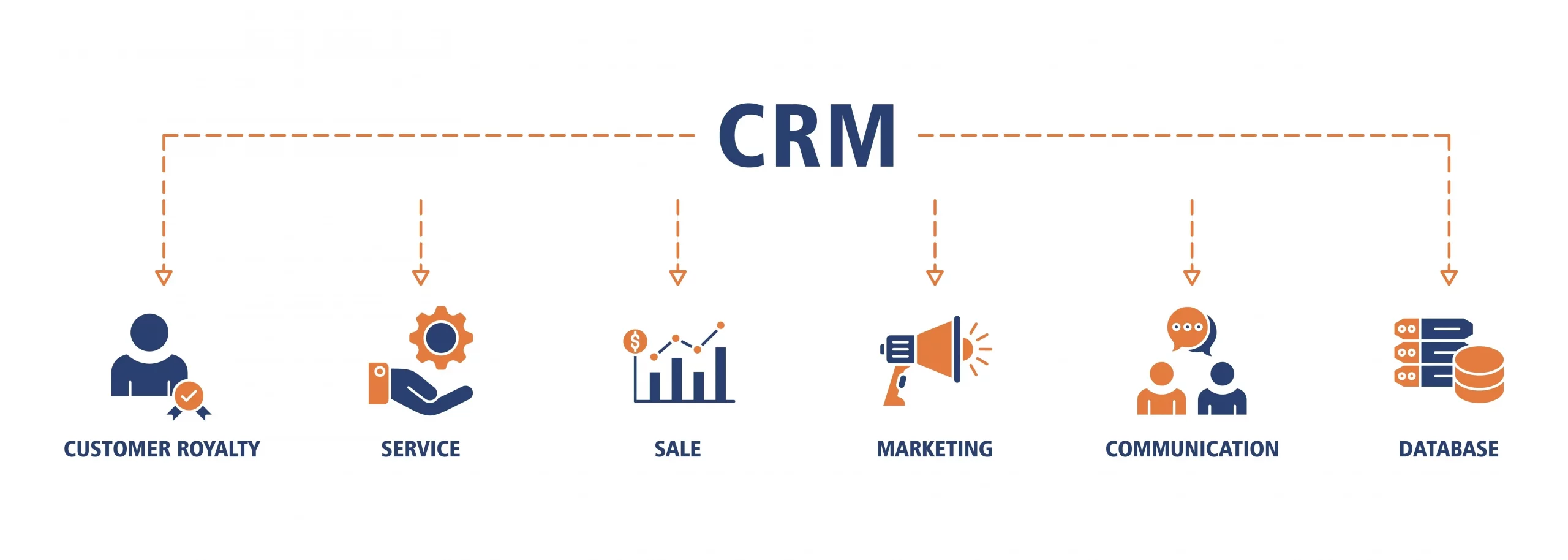
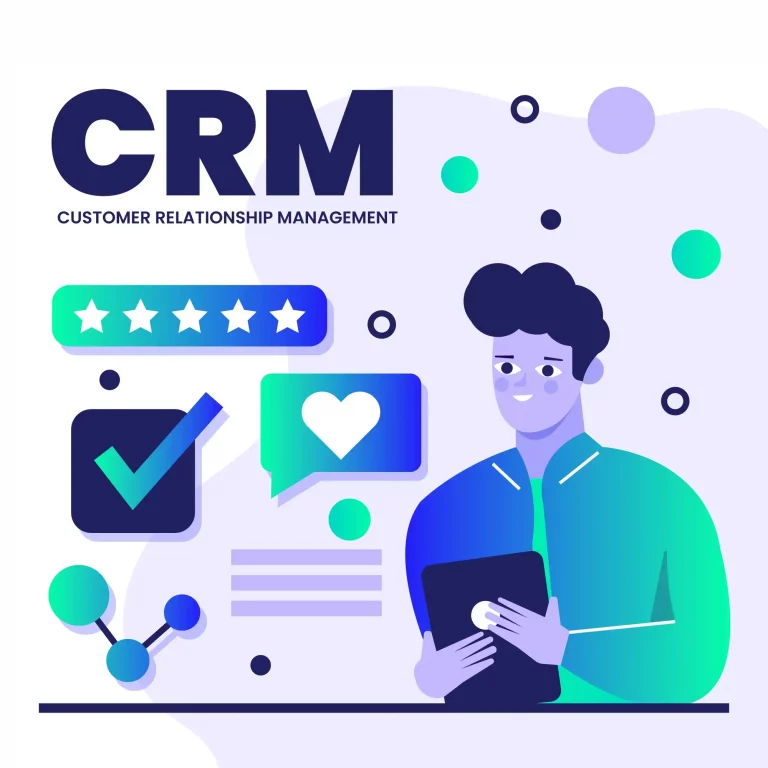
A CRM is a tool that stores and organizes your customer information.
Think of it like a smart notebook that remembers who your customers are and what they did.
- Name, email, phone (contact details)
- What they bought or asked about
- When you last contacted them
- Notes about calls, messages, and meetings
- Which stage they are in (lead, prospect, customer)
Example:
A lead downloads your “SEO checklist”. Your CRM saves them as a lead and tags them as “Interested in SEO”.
Later, you can send emails only to people with that interest.
What Is CRM Email Marketing?
CRM email marketing means using CRM data (like tags, interests, and actions)
to send more targeted and personal emails.
Without CRM
- Same email sent to everyone
- Less relevant messages
- Lower open and click rates
With CRM
- Emails based on interests and actions
- More personal and useful
- More sales with fewer emails
Simple idea:
New visitor → welcome email
Interested lead → helpful guide + case study
Ready buyer → offer + demo link
Existing customer → upsell + support tips
Why You Should Combine Email Marketing and CRM in 2025
When you combine email marketing with a CRM, you stop guessing and start sending the right message
to the right person at the right time. This usually leads to better results and less wasted effort.
Better Personalization
Use names, interests, and behavior for more relevant emails.
Higher Conversions
Target the right people with the right offer.
Automation
Follow-ups happen automatically (even while you sleep).
Beginner tip: “More emails” doesn’t mean “more sales”. “More relevant emails” does.
How Email Marketing Automation Works with CRM
Automation means emails are sent automatically based on what people do.
Your CRM stores the action, and your email system sends the right email.
Beginner Automation Flow (Simple):
- Someone signs up on your website
- CRM saves the contact
- Welcome email is sent instantly
- After 2 days, a helpful tip email is sent
- After 5 days, an offer or consultation email is sent
Pro tip: Always start with a simple 3-email sequence. You can build more later.
Email Segmentation Using CRM (Very Important)
Segmentation means splitting your email list into groups, so your emails match what people want.
CRM makes this easy because it stores tags and actions.
Easy Segments to Start With:
- New subscribers (joined in the last 7 days)
- Warm leads (clicked emails, visited pricing page)
- Customers (already bought or paid)
- High-value customers (repeat buyers, premium plans)
- Inactive (haven’t opened emails in 60 days)
Beginner tip: If you only do one thing: segment your list. It’s the fastest way to improve results.
Step-by-Step: How to Start CRM Email Marketing (Beginner Plan)
Follow these steps and you’ll have a working CRM + email system even if you’re starting from zero.
- Choose one platform that supports CRM + email marketing (or integrates well).
- Add a signup form on your website (newsletter, free guide, consultation).
- Create a tag like “New Lead” or “Interested in SEO”.
- Write a 3-email welcome sequence (welcome → value → offer).
- Track results (opens, clicks, replies, bookings, sales).
3 Email Welcome Sequence (Simple):
- Email 1: Welcome + what they will receive (sent immediately)
- Email 2: Helpful tips or a short guide (after 2 days)
- Email 3: Offer a call / demo / discount (after 5 days)
CRM Email Marketing Best Practices (Easy Rules)
- Keep emails short (people scan emails)
- Use one main message per email
- Personalize (name, interest, action)
- Help first, sell later
- Always add an unsubscribe option
- Test subject lines (small changes can improve opens)
Beginner tip: Your goal is not to “send emails”. Your goal is to “build trust”.
Top Email Marketing and CRM Trends in 2025
In 2025, the biggest improvements come from better personalization and smarter automation.
Here are the trends that matter most:
- AI personalization (smarter segments and content)
- Behavior-based emails (emails triggered by actions)
- Omnichannel CRM (email + SMS + WhatsApp tracking)
- Privacy-first marketing (clean lists + permission-based growth)
- Better lifecycle marketing (lead → customer → repeat buyer)
Common Beginner Mistakes to Avoid
- Sending the same email to everyone (no segmentation)
- Buying email lists (bad quality + deliverability issues)
- Only sending sales emails (people unsubscribe)
- Not tracking results (you can’t improve what you don’t measure)
- No welcome sequence (missing the best time to build trust)
Beginner tip: A small list with good segmentation beats a big list with random emails.
Final Thoughts: Start Simple and Grow Fast
Email marketing + CRM is not “advanced marketing”. It’s basic business growth.
When you store customer data properly and send the right emails automatically, you build trust and increase sales.
Your Next Action (Simple):
Choose one tool → add a signup form → write 3 emails → set automation → improve with results.