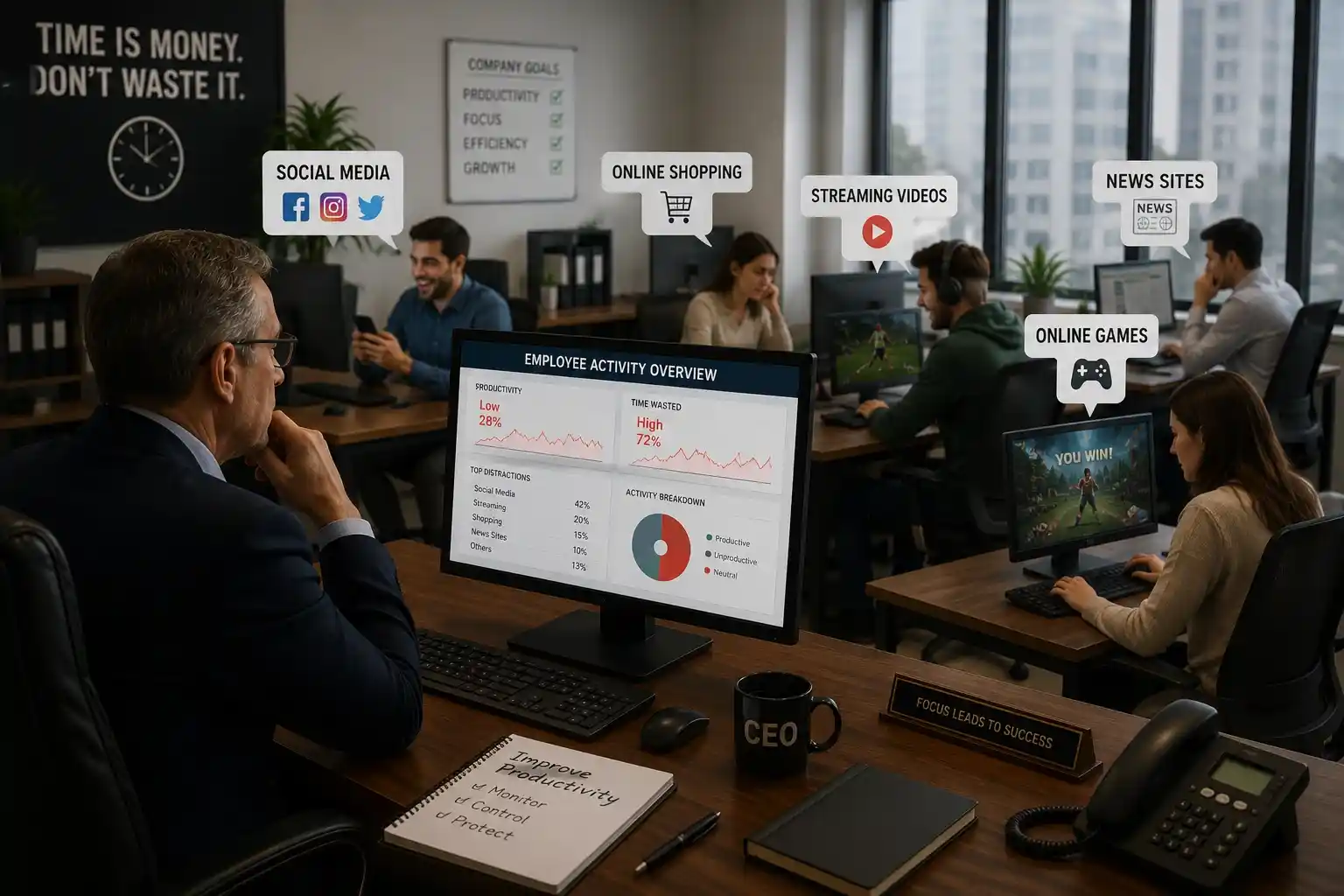
Monitor, Filter & Manage Device Activity with SentryPC
Discover cloud-based computer monitoring, content filtering, and time-management tools designed for families, businesses, and teams.
Visit SentryPCWhy Computer Security Matters
Computer security is essential because it protects personal information, business data, and digital devices from online threats such as viruses, malware, hacking, and unauthorised access. As more people use computers for work, shopping, banking, communication, and storing sensitive files, keeping devices secure has become more important than ever. Strong computer security helps prevent data theft, protects privacy, improves productivity, and gives users better control over how their systems are used. Whether at home or in a business environment, using reliable security tools and safe digital practices can reduce risks and create a safer online experience.
Key Features of SentryPC Monitoring Software
SentryPC combines activity monitoring, content filtering, time management, and access control tools in one cloud-based platform.
| Feature | What It Does | Why It Matters |
|---|---|---|
| Activity Monitoring | Tracks user activity including websites, applications, sessions, and computer usage. | Helps parents, businesses, or teams understand how devices are being used. |
| Content Filtering | Allows administrators to block or restrict access to websites, apps, games, and other content. | Creates a safer and more controlled digital environment. |
| Time Management | Lets users set schedules and limits for when a device or specific activity can be used. | Useful for managing screen time, productivity, and healthy device habits. |
| Remote Cloud Access | Provides access to monitoring data and settings through an online cloud account. | Allows device management from anywhere using an internet-connected device. |
| Real-Time Activity Viewing | Shows activity updates as they happen, depending on the device and account setup. | Helps administrators respond quickly to unwanted or unsafe activity. |
| Centralised Management | Allows multiple users or devices to be managed from one online account. | Saves time for families, schools, and businesses managing more than one device. |
| Usage Reports | Provides reports and overviews of activity such as applications, websites, alerts, and sessions. | Makes it easier to review behaviour, productivity, and device usage patterns. |
| Access Control | Helps restrict certain activities, content, or usage based on rules set by the administrator. | Gives better control over how computers and devices are used. |
Looking for a tool to monitor, filter, and manage computer activity?
View SentryPCTake Control of Device Activity Today
Protect your devices before problems happen. SentryPC gives you the tools to monitor activity, manage screen time, filter unwanted content, and stay in control from one simple cloud-based dashboard.