What GetResponse is (technical overview)
GetResponse is a marketing platform focused on email and automation, designed to convert visitors into subscribers, nurture leads, and drive sales. In practical terms, it combines list building (forms/landing pages), campaign creation (newsletters), behavioural automation (workflows), and conversion tooling (funnels) in one system.
Someone downloads your free guide → they’re added to a list → GetResponse sends a welcome email → then a short follow-up sequence.
Email marketing core: newsletters, templates, segmentation, autoresponders
At the core is email campaign delivery: you build newsletters with templates and a visual editor, segment contacts using tags/fields/behaviour, and schedule autoresponders (time-based messages) to keep communication consistent. This is your “broadcast + nurture” layer.
Create a “New Subscribers” segment and send them a 3-email onboarding sequence over 7 days automatically.
Two ways to automate: Conversion Funnels vs Automation Workflows
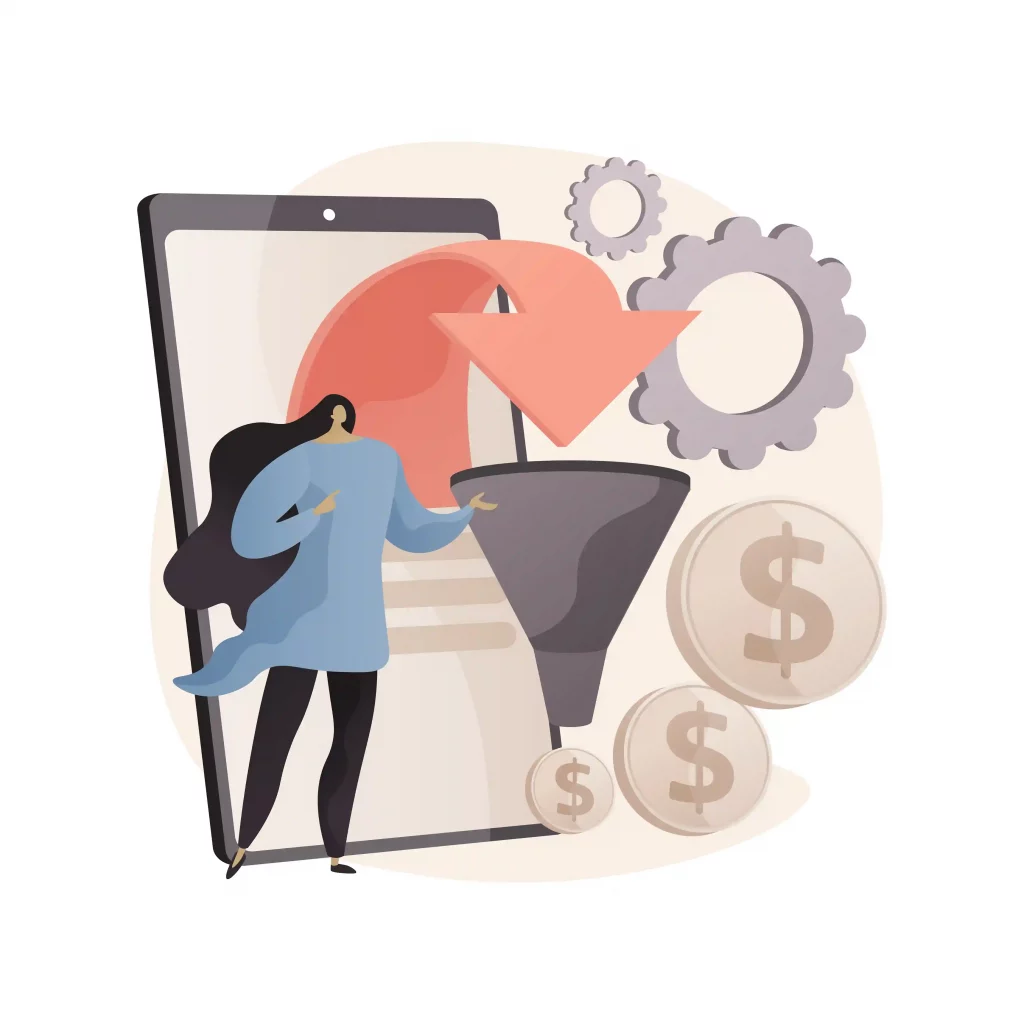
GetResponse separates two important concepts: a “conversion funnel” that packages a goal-driven journey (lead capture, sale, or event promotion), and “automation workflows” that trigger actions based on behaviour (clicks, tags, purchases, page visits, etc.). In many stacks, you would build this across multiple tools—here it’s unified.
Conversion Funnel (goal-based)
A guided process that can include landing pages, follow-up emails, and conversion tracking—built around one outcome like “build a list” or “sell a product”.
Best for: launches, lead magnets, webinars, product promotions.
Automation Workflow (event-based)
A rules engine: “IF this happens, THEN do that.” You can build branching sequences based on what contacts do (open, click, buy, or get tagged).
Best for: personalised follow-ups, lifecycle marketing, re-engagement.
Funnel: “Free ebook → landing page → welcome email.” Workflow: “If they click the pricing link twice → tag as Hot Lead → notify sales.”
Landing pages and sign-up forms: lead capture with testing
GetResponse includes landing pages and signup forms/popups for lead generation, plus A/B testing so you can compare page versions and optimise for more signups. This is the top-of-funnel entry point that feeds your email lists.
Test two headlines on your landing page and keep the one that gets more email signups.
AI assistance: faster copy + subject lines
GetResponse offers AI-driven support for email creation, including an AI Email Generator that can draft subject lines and email content quickly. Technically, this speeds up campaign production while you still control brand voice and final edits.
Type: “Yoga studio — new beginners class — friendly tone” and generate a draft email, then tweak the wording to match your style.
Ecommerce marketing: cart recovery, promo codes, store integrations
GetResponse includes ecommerce-focused automation designed to increase revenue and customer lifetime value. This commonly includes abandoned cart recovery, targeted product messaging, and store integrations (or custom API-based shop integration) so customer and order events can trigger automations.
Revenue automations
Trigger emails based on shopping behaviour (e.g., cart abandonment) and run targeted campaigns to recover lost sales.
Goal: more conversions from the same traffic.
Store integration paths
Connect via built-in integrations where available, or use API-based shop creation and syncing for custom stacks. This enables consistent data for personalisation and reporting.
Goal: accurate product + purchase triggers.
If someone abandons checkout, send a reminder after 1 hour, then a 10% promo code after 24 hours if they still haven’t purchased.
Integrations and API: connecting GetResponse to your stack
GetResponse promotes 150+ integrations and supports API-based integrations for custom use cases. This is important when your website, store, or lead sources are outside GetResponse and you need reliable data syncing (contacts, events, tags, and ecommerce actions) to power automation.
Your website form submits to your backend → your backend calls the GetResponse API → the lead is added to a list and tagged “Website Lead”.
Who GetResponse is best for
GetResponse is best for businesses that want email marketing plus automation, landing pages, and funnel tooling in one platform—especially when you plan to build lead magnets, run campaigns, and connect ecommerce triggers without stitching together multiple separate systems.
A small ecommerce brand runs a lead capture funnel, nurtures subscribers with automated sequences, and recovers abandoned carts — all inside one dashboard.