Get Marketing Insights First
Subscribe to receive actionable strategies, growth tips, and industry insights delivered straight to your inbox.

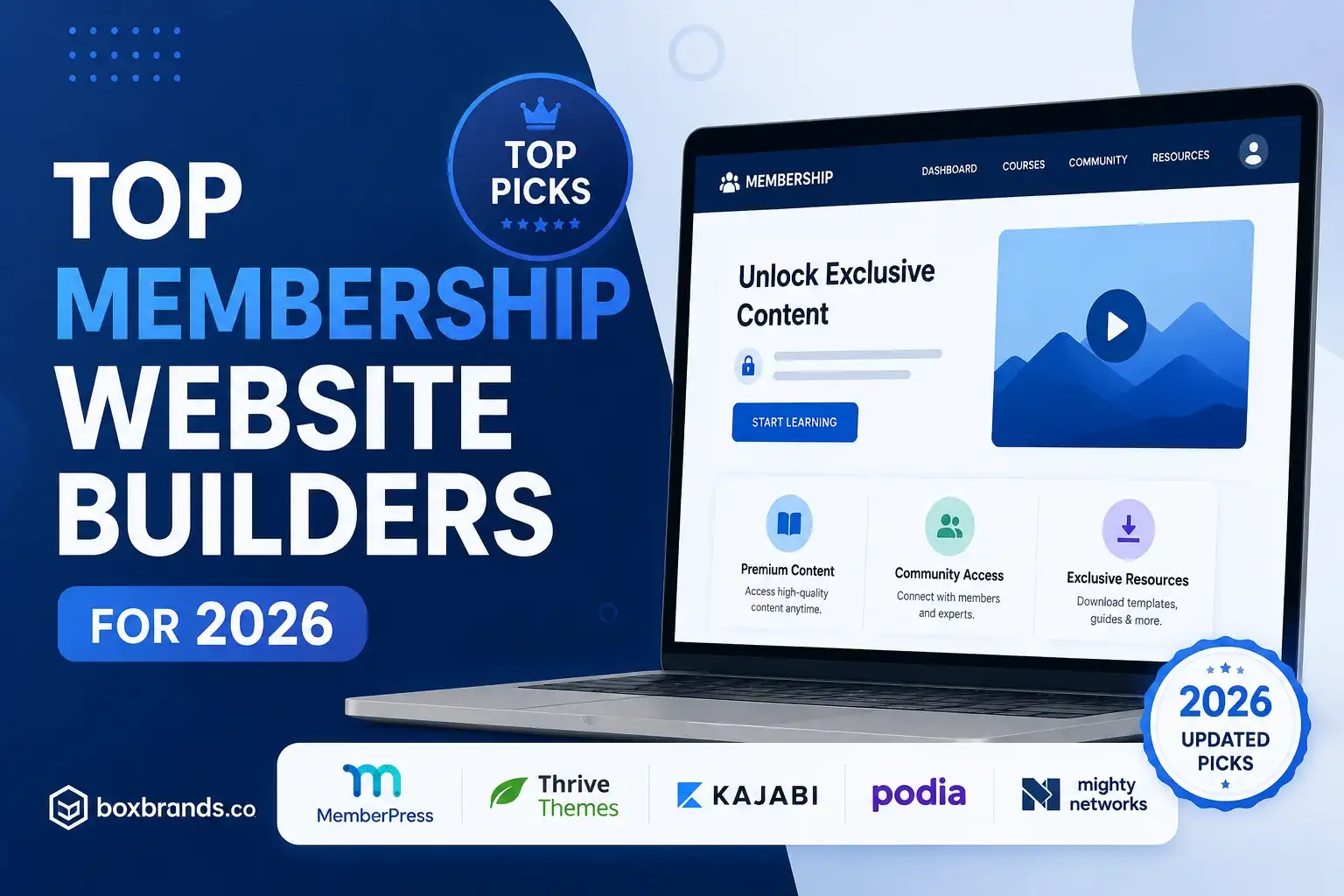
The creator economy is undergoing a massive shift. Instead of relying solely on unpredictable ad revenue or one-off product sales, entrepreneurs, educators, and influencers are pivoting toward highly profitable, community-driven models. If you are looking to secure a predictable income stream, building a dedicated members website is one of the smartest moves you can make this year.
However, the technology you choose can make or break your business. Using the right membership website builder allows you to effortlessly manage subscribers, securely host your content, and foster an engaged community. With the sheer volume of membership platforms available today, finding the perfect fit can feel overwhelming.
Whether you are an established business owner or a solo creator, this guide will walk you through the top options for 2026. We will explore the leading software, highlight essential features, and provide actionable tips to help you launch and grow your community successfully.
The days of simply hoping for viral content to drive sales are over. Today’s digital entrepreneurs are focused on recurring revenue website platforms that offer financial stability.
Creating membership sites allows you to transition your audience from casual followers to loyal patrons. By monetizing exclusive digital content—such as premium podcasts, in-depth tutorials, industry reports, or a private community forum—you establish a sustainable business model. Subscribers pay a monthly or annual fee, giving you a reliable cash flow that scales as your audience grows.
You might be wondering if you can just piece together a few free tools to run your community. While possible, it is rarely scalable. Professional membership site software provides:
Before diving into specific platforms, it is crucial to understand the foundational architecture of membership websites. You generally have two routes: Software as a Service (SaaS) or self-hosted platforms.
SaaS platforms are all-in-one solutions hosted on the provider’s servers.
Self-hosted options, primarily built on WordPress, require you to provide your own web hosting and piece together different plugins.
When looking at self-hosted options, a common dilemma is choosing between an LMS vs membership plugins. A Learning Management System (LMS) is highly structured and ideal if your primary focus is grading, quizzes, and course progression. A standard membership plugin, on the other hand, is better for dripping content, managing subscriptions, and granting broad page access.
Let’s dive into the best membership site platforms on the market today. Each of these tools brings a unique set of strengths tailored to different types of creators.
Kajabi is widely recognized as a premium membership website builder. It is designed for creators who want everything under one roof—from email marketing and sales funnels to website building and video hosting.
If you are already running a WordPress site and want to know how to build a member-only area, MemberPress is arguably your best option. It is a powerful plugin that transforms any standard WordPress site into a fully functional membership portal.
For many creators, the value of their membership isn’t just in the content, but in the community. Mighty Networks is a platform built specifically to bring community, courses, and content together in one place.
Podia is an incredibly intuitive platform that makes selling digital products, courses, and memberships delightfully simple. It is less complex than Kajabi but offers more than enough power for most independent creators.
When evaluating which software to invest in, ensure your chosen platform includes these non-negotiable features:
Your platform must allow you to dictate exactly who sees what. Advanced user access control levels mean you can create different tiers (e.g., Basic, Pro, VIP) and automatically restrict or grant access to specific libraries of content based on what the user paid for.
You need integrated payment gateways for subscriptions to handle recurring billing flawlessly. Look for platforms that integrate directly with Stripe and PayPal. The software should handle failed payments, credit card expirations, and prorated upgrades or downgrades automatically.
If users can easily download your premium videos or share login credentials with ten of their friends, your revenue will suffer. Ensure the platform has strong mechanisms for protecting premium content from unauthorized access, such as concurrent login restrictions and secure video hosting that prevents right-click downloads.
Choosing the right software is only half the battle. How you structure and manage your business will dictate your long-term success. Here is a brief step-by-step guide to launching a private community and ensuring it thrives.
Do not force a one-size-fits-all price on your audience. A successful tiered pricing structure implementation captures different segments of your market.
The first 48 hours after a user signs up are critical. If they log in and feel overwhelmed, they will cancel. Set up an automated member onboarding workflow using your platform’s email tools.
Acquiring a new member is significantly more expensive than keeping an existing one. Reducing churn in online communities should be a daily priority.
Building a sustainable, scalable business around your expertise has never been more achievable. By leveraging a high-quality membership website builder, you can transition away from the exhausting hamster wheel of algorithmic content creation and step into the world of predictable, recurring revenue.
Whether you opt for the robust, all-in-one capabilities of Kajabi, the community-centric design of Mighty Networks, or the ultimate flexibility of a self-hosted WordPress site using MemberPress, the key is to choose the tool that aligns best with your specific goals.
Take the time to evaluate these membership platforms, plan your tiered pricing, map out a welcoming onboarding sequence, and start building the exclusive community your audience has been waiting for. The right technology is out there—now it is time for you to build.