Get Marketing Insights First
Subscribe to receive actionable strategies, growth tips, and industry insights delivered straight to your inbox.

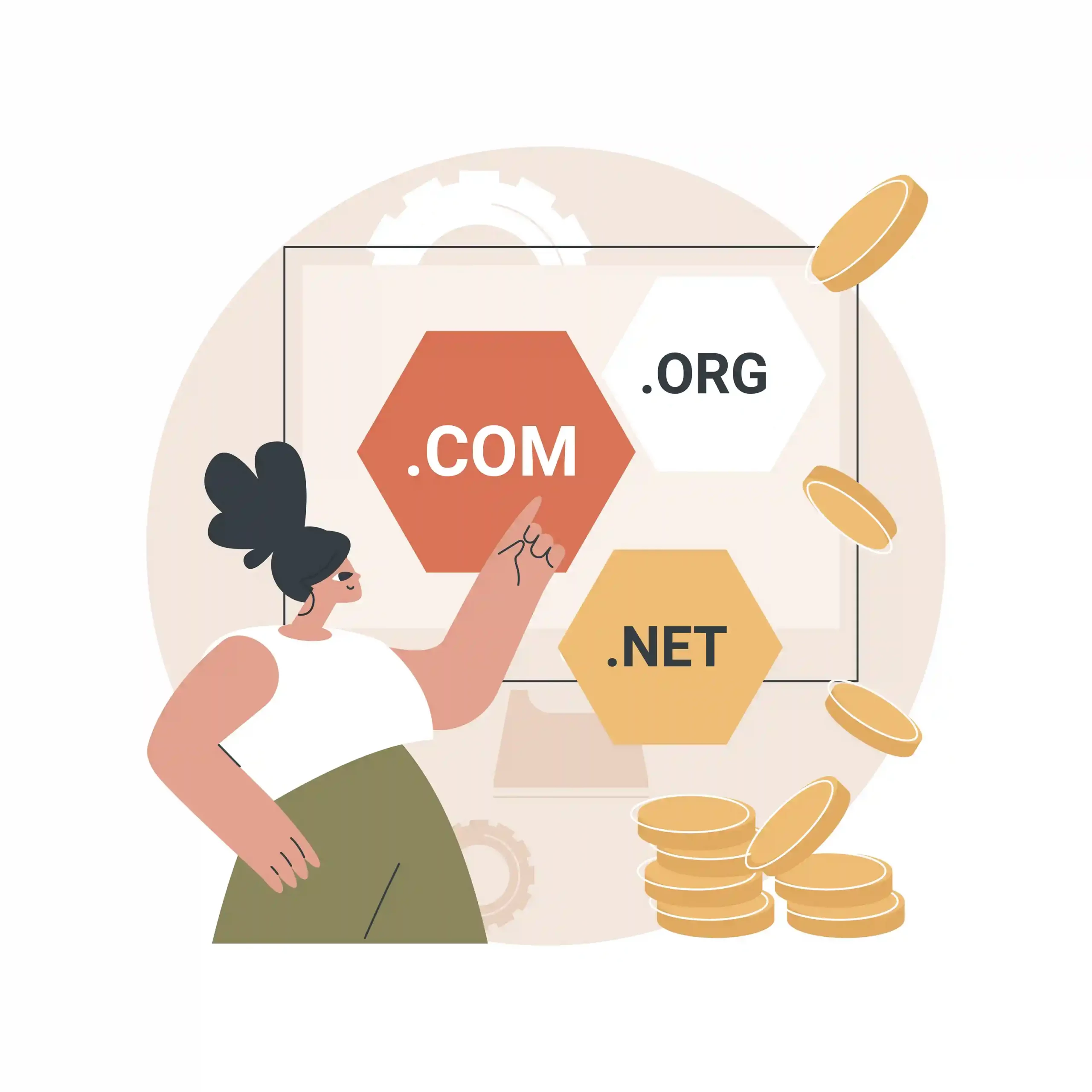
HostGator is a well-known hosting provider offering a wide range of plans—from starter shared hosting to VPS and dedicated servers. If you want a simple setup today but the ability to upgrade as your traffic grows, HostGator is designed for that “start small, scale up” path.
HostGator is a hosting provider that helps you put a website online by giving you server space, tools to manage your site, and upgrade options as your needs grow. The core idea is simple: you start on an affordable plan, publish your site, and scale your hosting resources when you’re ready.
HostGator offers multiple hosting categories. Shared hosting is the entry point for most beginners. WordPress hosting is aimed at easier WordPress setup and management. VPS gives you more control and resources, while dedicated servers are for high-traffic websites and advanced projects that need maximum power and customization.
If your plan is to build on WordPress, HostGator’s WordPress-focused hosting aims to make setup easier and improve performance with WordPress-friendly configurations. This is a good fit for affiliate sites, local SEO websites, blogs, and service business sites that will publish content regularly.
Hosting performance affects both user experience and SEO. For most small-to-medium sites, choosing the right plan matters more than chasing “the highest specs.” The real win is stable uptime, reasonable speed, and having an upgrade path so your hosting can grow as your business grows.
Security begins with the basics: SSL for encryption, strong passwords, two-factor authentication where available, and clean plugin management (especially on WordPress). As your site grows, you can add stronger security layers, more frequent backups, and tighter access control for administrators.
If you’re building an online store, you’ll typically choose WordPress + WooCommerce or another ecommerce platform. What matters most is stable performance, SSL, backups, and the ability to scale as product pages and traffic increase. HostGator can fit ecommerce projects well when you choose the right plan for your store size and expected growth.
The best approach is to match your hosting plan to your current stage. Launch quickly, keep your stack simple, and upgrade only when your traffic and revenue justify it. If you’re comparing options, shortlist 2–3 hosts and compare renewal pricing, support quality, ease of DNS/WordPress management, and upgrade flexibility.